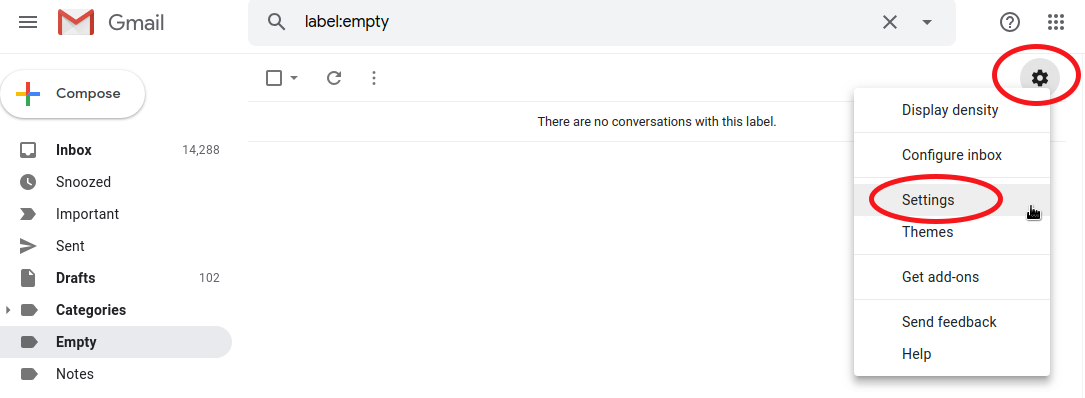
If your phone device, such as AllWorx, uses Google SMTP service for email delivery, Google's recent security updates (approx June 2022) might require changes to your phone device's SMTP settings. Otherwise, your phone device might not be able to send emails anymore.
Reason
Google's new security updates made two-factor authentication manadatory for many google accounts. Your phone device may require updates to continue sending emails via Google SMTP servers.
How To Resolve
Consider generate a google account App password and configure into your phone device.
To start using Nexiwave service, forward your voicemail emails to:
No Address Yet
Just leave the password field empty.
If we fail to log you in (empty/wrong password),
we will send you a secure one-time Login Link via email.
You can just retrieve the email and click the Login Link to log into your Nexiwave account without a password.
Would you like to receive a Login Link to log into Nexiwave without a password?
Auto create Nexiwave account if it does not exist yet.
Our welcome email has been rejected by your email server.
Email delivery is REQUIRED so you can receive voicemail transcript from Nexiwave.
Please allow email delivery from Nexiwave by:
If your email service allows inbox rule, create an inbox rule to explicitly list Nexiwave.com as allowed email sender.
Otherwise, contact your email administrator to allow emails from Nexiwave.com.
Please try register again after you have fixed this issue.
We have just emailed you a Login Link
to .
Find the email and click the secure Login Link to log into your Nexiwave account WITHOUT a password.